Zoom for one class is trivial. Zoom for a school — forty classes a week, twenty teachers, three hundred children, registers that have to be defensible and recordings that have to be safe — is a different job, and most of it is decided by settings you choose once.
This is what to get right before the first week, roughly in the order it will hurt.
One meeting per class, recurring — not one per lesson
The instinct is to create a meeting for each lesson. Do not: forty lessons a week becomes two thousand meetings a year, each with its own link, and every one of those links has to reach the right children.
A recurring meeting per class, running for the life of the timetable slot, gives every pupil one stable link for the year. It also means attendance data groups naturally by class, which matters later.
The join-link trap that looks like mass truancy
This is the one that cost us the most, so it goes near the top.
If you give each pupil a personal join link — and you should, because it is what lets attendance identify who joined — the platform will ask, directly or indirectly, whether that registration is valid for one occurrence of the recurring meeting or for all of them. Choose wrong and every pupil's link works perfectly for their first lesson and fails for every lesson after it.
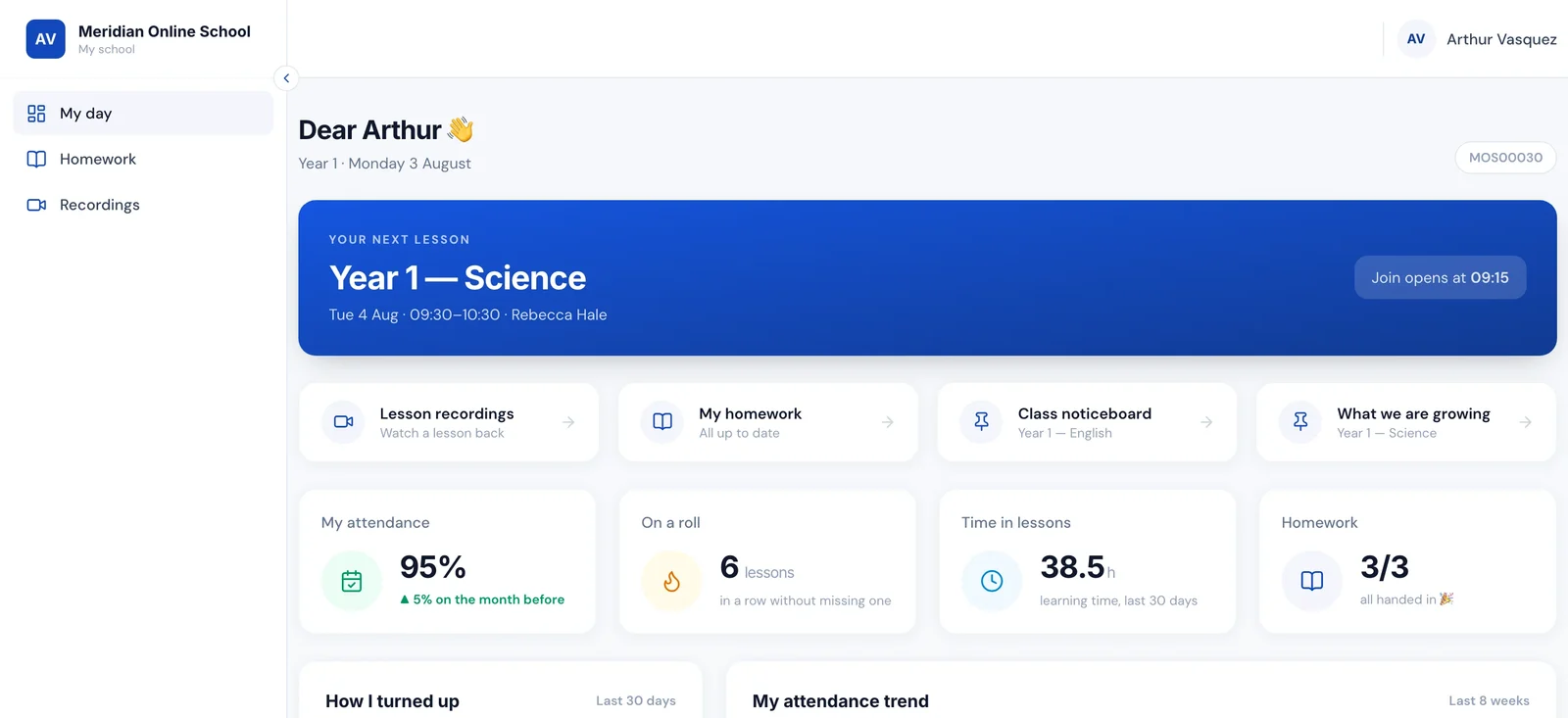
From the school office, that looks exactly like a school where every child stopped turning up in week two. It took us far too long to stop suspecting the pupils and start suspecting our own records. If attendance falls off a cliff after the first week, check the join links before anything else.
The general lesson is worth more than the specific setting: our own mirror of an external system's state was wrong, and we trusted it over the evidence. Whatever platform you use, verify a pupil's second lesson works, not just their first.
Licences follow simultaneous lessons, not teachers
Schools routinely over-buy here. What you need is not one licence per teacher — it is enough licences to cover the maximum number of lessons running at the same moment.
A school with twenty teachers whose timetable never puts more than six classes in the same slot needs six, not twenty. That is usually a large saving, and it is a timetabling decision as much as a purchasing one: flattening your busiest slot reduces the bill. More detail in Zoom licences: how many a school actually needs.
The settings to fix before day one
These are the ones that matter when the participants are children:
- Waiting room on, or authenticated entry only. Something must stand between a leaked link and a classroom.
- Only the host can share screen. The single most consequential default in the whole product.
- Private chat between participants off, or at minimum logged. Unlogged private messaging between children in a school-run room is a safeguarding gap with no upside.
- Renaming off, if attendance depends on identifying who joined.
- Recording announced, always, and never left to the teacher to remember.
- A second adult available for one-to-one sessions, or the session recorded by policy.
None of these are exotic. They are all defaults that suit a business meeting and do not suit a classroom.
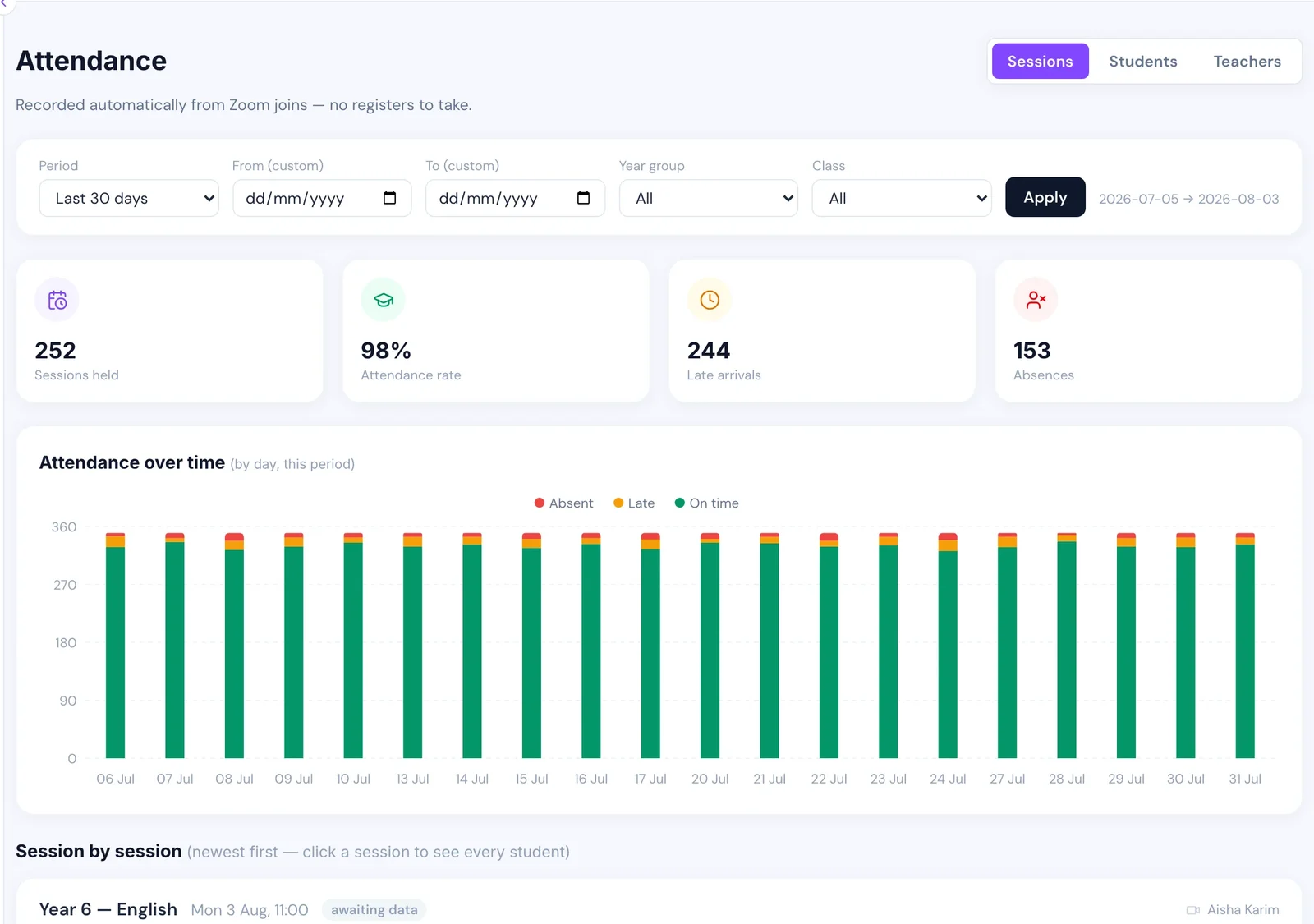
Attendance should come from the platform, not the teacher
A teacher managing a screen share, a chat window and twenty microphones cannot also reliably call a register, and will stop trying by week four.
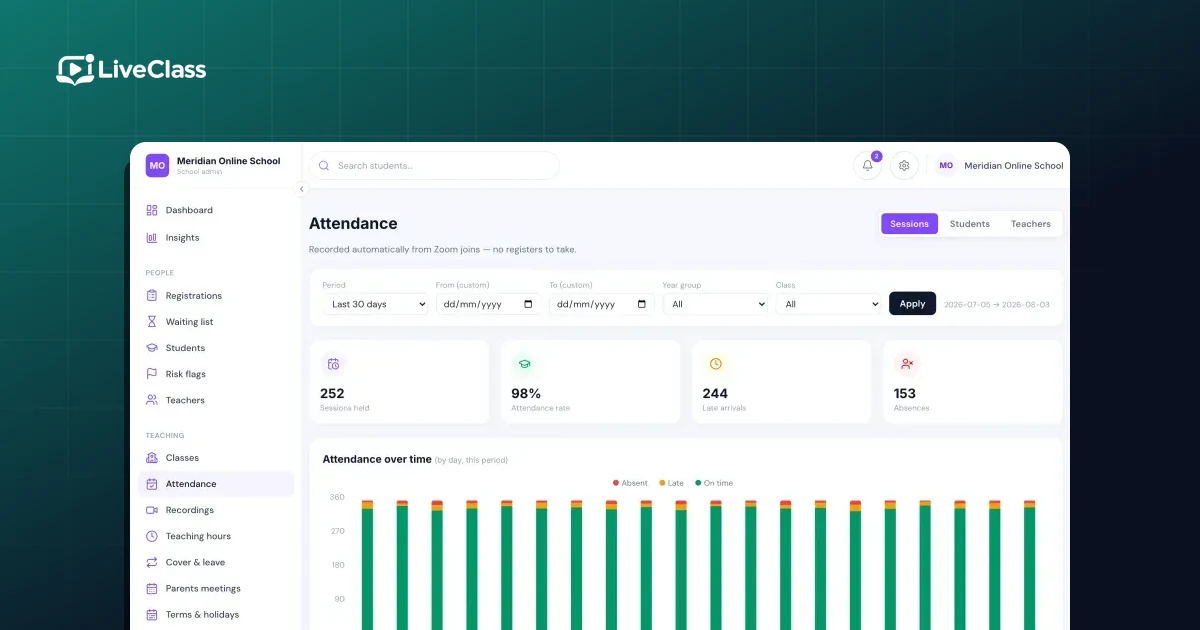
The platform already knows exactly who joined, when they arrived and when they left. Reading that directly gives a better register than a human one ever was, at zero teacher cost — including the edge cases that make a hand-typed register quietly wrong. The mechanics, and the trap that marks a whole class absent for a lesson that never ran, are in how to take attendance in a live online lesson.
Recordings need a decision, not a default
Recording every lesson is easy and rarely thought through. Two questions settle it:
Who can see it? A recording of a class contains other people's children. "Anyone with the link" is not an answer for a school.
How long do you keep it? Indefinitely is a decision to hold children's voices and faces forever, and you will have to justify it to a parent or a regulator eventually.
The version that works for most schools: record lessons, make them visible only to the pupils in that class and their teachers, and set a retention window that matches how long a recording is actually useful — usually a term.
What good looks like by half term
- every class has one recurring meeting and every pupil has one link that has worked all term
- nobody has typed a register
- your licence count matches your busiest slot, not your staff list
- screen share, chat and entry are locked down, and were before the first lesson
- recordings expire on their own
Almost all of that is configuration rather than effort — which is why it is worth spending a day on before term starts rather than a term on afterwards.