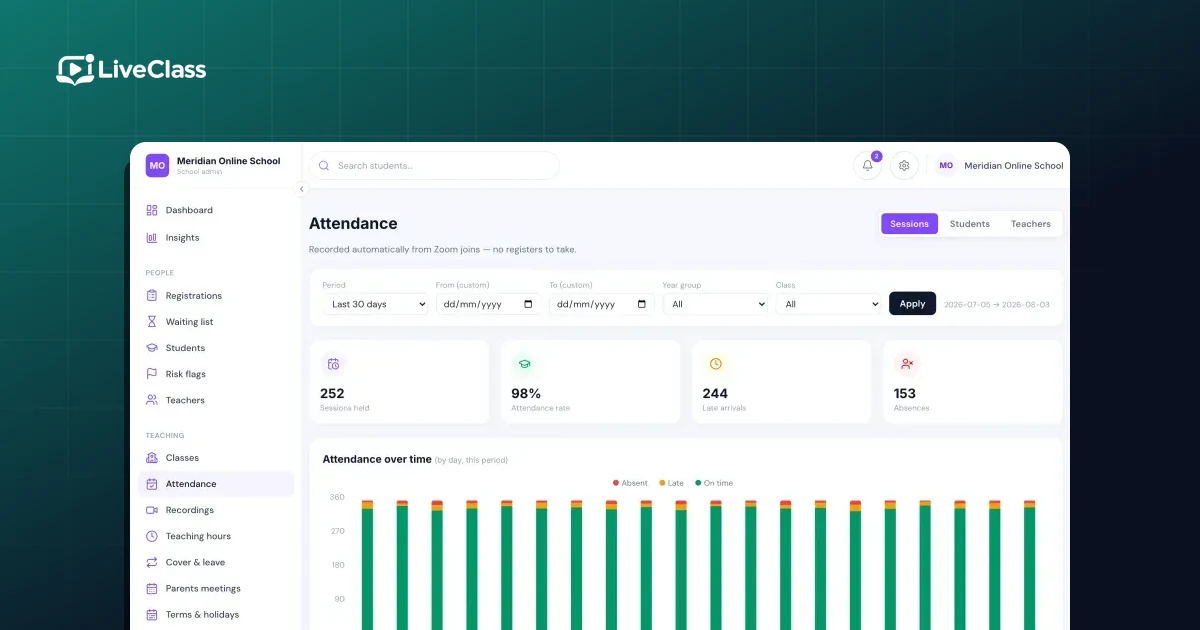
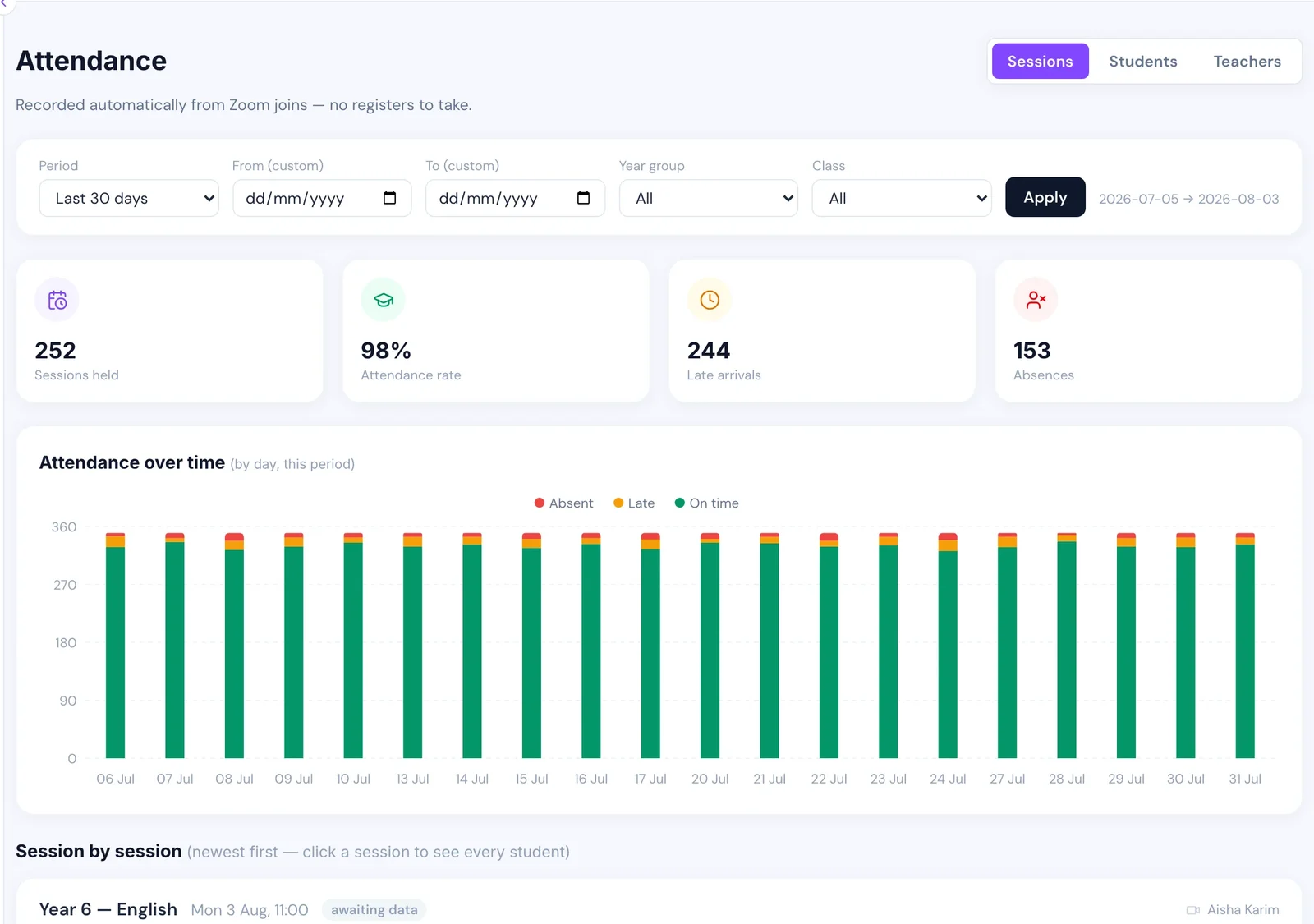
The short answer: stop asking teachers to do it. The video platform already knows who joined each lesson, when they arrived and when they left, with a precision no human register has ever had. The work is not collecting that data — it is turning it into an attendance record that survives contact with reality.
This is worth getting right early, because an attendance register is not just an internal report. It is the thing you show a parent asking why their child is behind, the thing that flags a pupil drifting away before they leave, and in a registered setting, the thing an inspector asks for.
Why the manual register fails
A teacher running a live lesson to twenty children is already managing a screen share, a chat window, three children with their microphones open and one who cannot get their camera to work. Asking them to also call a register means one of two outcomes: they do it and lose four minutes of a fifty-minute lesson, or they intend to do it and do not.
In practice, most online schools get a register that is complete for the first few weeks of term and increasingly patchy after that. The patchiness is invisible until someone tries to use the data, at which point the honest answer to "what is this child's attendance?" is "we don't really know".
Build it from join and leave events instead
Every serious video platform emits events when a participant joins and leaves a meeting. Zoom, for instance, can send your system a message the moment someone enters or exits. Collect those and you have the raw material for a register that takes zero teacher time.
The processing is roughly:
- Match the meeting to a scheduled lesson on the timetable.
- Match each participant to a pupil.
- Total each pupil's time in the room across all their join/leave pairs.
- Compare that total against the lesson length and apply your thresholds.
Step 3 matters more than it looks. A pupil whose wifi drops will generate several join/leave pairs for one lesson. Counting sessions rather than total minutes turns one child with bad broadband into a child who "joined four times", which is meaningless.
Choose thresholds and write them down
Two numbers, decided once, applied everywhere:
- Present — the minimum share of the lesson attended. Somewhere around 70% of the scheduled length is a reasonable starting point.
- Late — how long after the start a pupil can arrive and still count as present-but-late. Ten minutes is common.
Anything below the present threshold is absent. The specific numbers matter far less than the fact that they are consistent, because the whole value of the register is comparability between pupils and across terms.
The edge cases that produce a wrong register
This is the part that is not obvious until it has already happened.
The cancelled lesson that marks everyone absent
This is the big one, and it is the mistake most worth avoiding.
If your rule is "everyone on the class list who did not join is absent", then a lesson that never took place — teacher off sick, snow day, a Zoom meeting that was never started — marks the entire class absent. Do that across a term and you generate thousands of fictional absence records, tank every pupil's attendance percentage, and destroy trust in the report the first time a parent checks.
The fix is a single rule: a session with no join events at all is not evidence of mass absence, it is evidence the lesson did not happen. Skip it. Twenty children independently truanting the same lesson is vanishingly rare; a lesson not running is a weekly occurrence in any real school.
We shipped this bug. Repairing it meant deleting several thousand absence rows that had never corresponded to anything real, and the repair itself had to be careful not to delete genuine absences recorded the same way. Build the rule in from the start and you never have that afternoon.
Pupils the system cannot recognise
A child joins as "iPad (3)" or their older brother's account, and your matching finds nobody. If unmatched participants are silently dropped, that child is marked absent while sitting in the lesson.
Two defences: give each pupil a personal join link tied to their identity rather than a shared meeting link, and surface unmatched participants somewhere an administrator will see them rather than discarding them quietly.
Personal join links have a trap of their own worth knowing about. Some platforms distinguish between a registration that is valid for one occurrence of a recurring meeting and one valid for all of them. Choose the wrong option and every pupil's link works perfectly for their first lesson and fails for every lesson afterwards — which looks, from the office, exactly like a school full of children who have suddenly stopped turning up. We lost real time to that one. If attendance falls off a cliff after week one, suspect the join links before you suspect the pupils.
The pupil who joins and goes to make a sandwich
Time in the room is not attention. Nothing measures attention, and any vendor claiming otherwise is selling surveillance rather than education. The same restraint applies to recording lessons, which is easy to switch on and easy to regret. Total attended time is a reasonable proxy, but it is a proxy, and a register should be read as "was present" rather than "was learning".
What to do with the register once you have it
An attendance record that nobody reads is a compliance artefact. The value is in three specific uses:
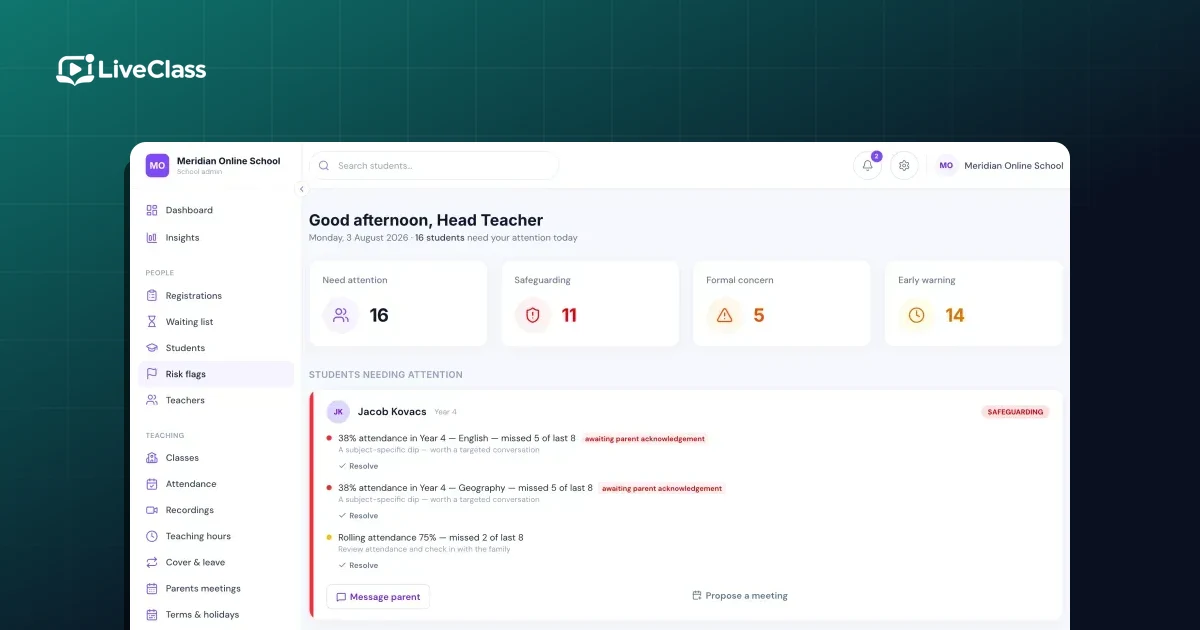
Spotting drift. The pupil who leaves is almost never a surprise in hindsight — their attendance declined for weeks first. A pupil whose attendance has fallen materially against their own recent average is a much better early warning than a simple percentage threshold, because it catches the previously-perfect pupil who has dropped to 80% as well as the pupil who was always at 60%.
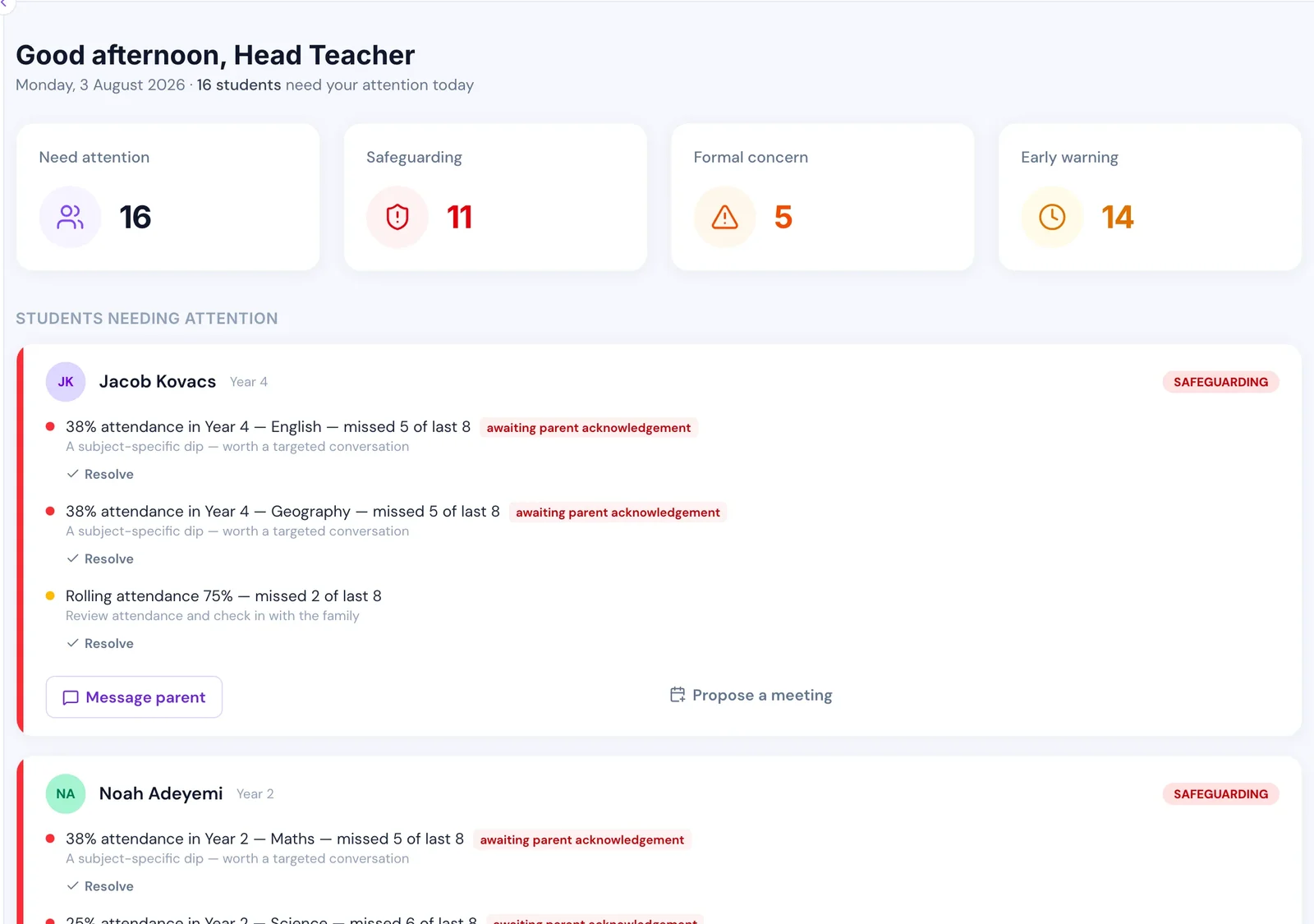
The full version of that — the four signals worth watching together, and why the list has to be short enough to act on — is in spotting a pupil drifting, before they leave.
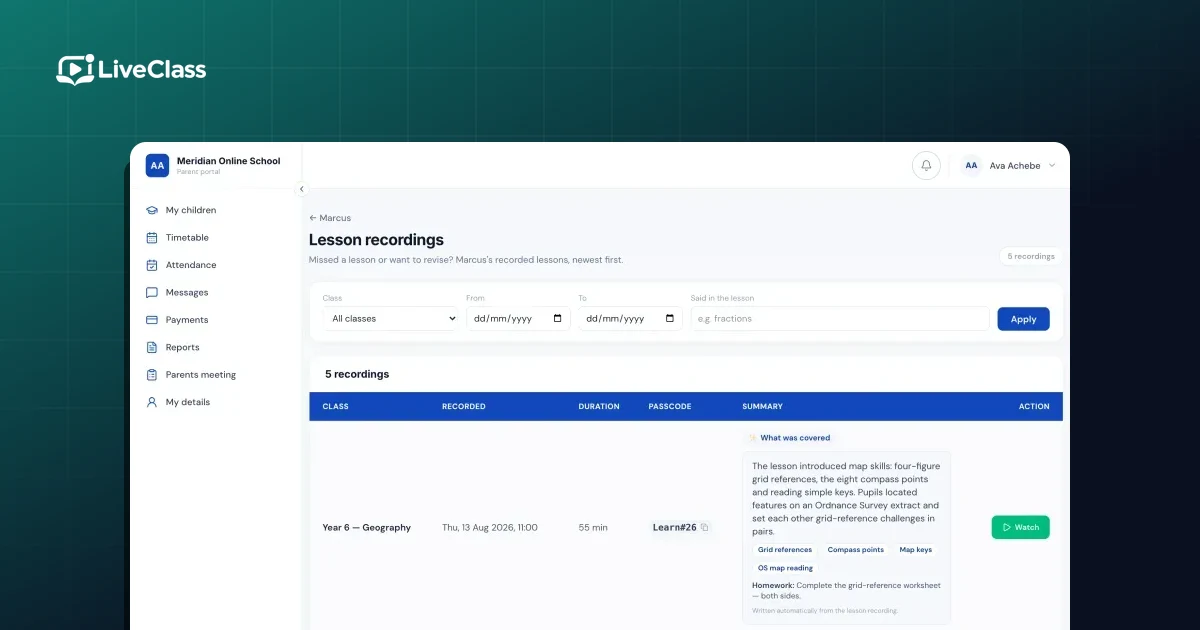
Answering parents. Parents of online pupils cannot see the classroom. Being able to show them exactly which lessons their child attended, without anyone compiling it by hand, resolves most "is this working?" conversations before they become complaints.
Cover and timetabling. Consistently low attendance in one slot is usually not a pupil problem. It is a timetable problem — often a lesson scheduled at an impossible hour for families in another time zone.
The one-line version
Take the register from join and leave events, total minutes rather than sessions, set a present threshold and a late threshold once, and never mark a class absent for a lesson that produced no join events at all. Everything else is refinement.
For how attendance fits alongside enrolment, fees, cover and reporting, see the operations guide to running an online school.