Every online school starts on spreadsheets, and they are the right answer at the start. One person, thirty pupils, a tab for fees and a tab for the register — that is not a mistake, it is proportionate.
It stops being proportionate at a specific and recognisable point, and the point is not a pupil count.
The four symptoms that mean it is time
Nobody can say who is paid up to when, today. The fee tab is updated from the bank statement monthly, so it is out of date most of the time, so nobody trusts it, so nobody uses it.
Two people disagree about a pupil. One tab says Year 8, another says Year 9. Both were right at some point.
A question takes an afternoon. "How many pupils have attendance below 80% in Year 7?" should take a minute. If it means merging exports, the data has stopped being usable for anything except record-keeping.
Somebody spends hours a week retyping. Reconciling payments, copying marks, rebuilding the register. That is the cost, and it is a salary.
If none of these are true, stay on spreadsheets. Genuinely. Migrating is disruptive and doing it before it hurts buys nothing.
Replace one thing, not everything
The failure mode is deciding to move the whole school in the summer holidays and discovering in September that half of it did not come across.
Move in this order. Each stage is useful on its own, and each one supplies the next.
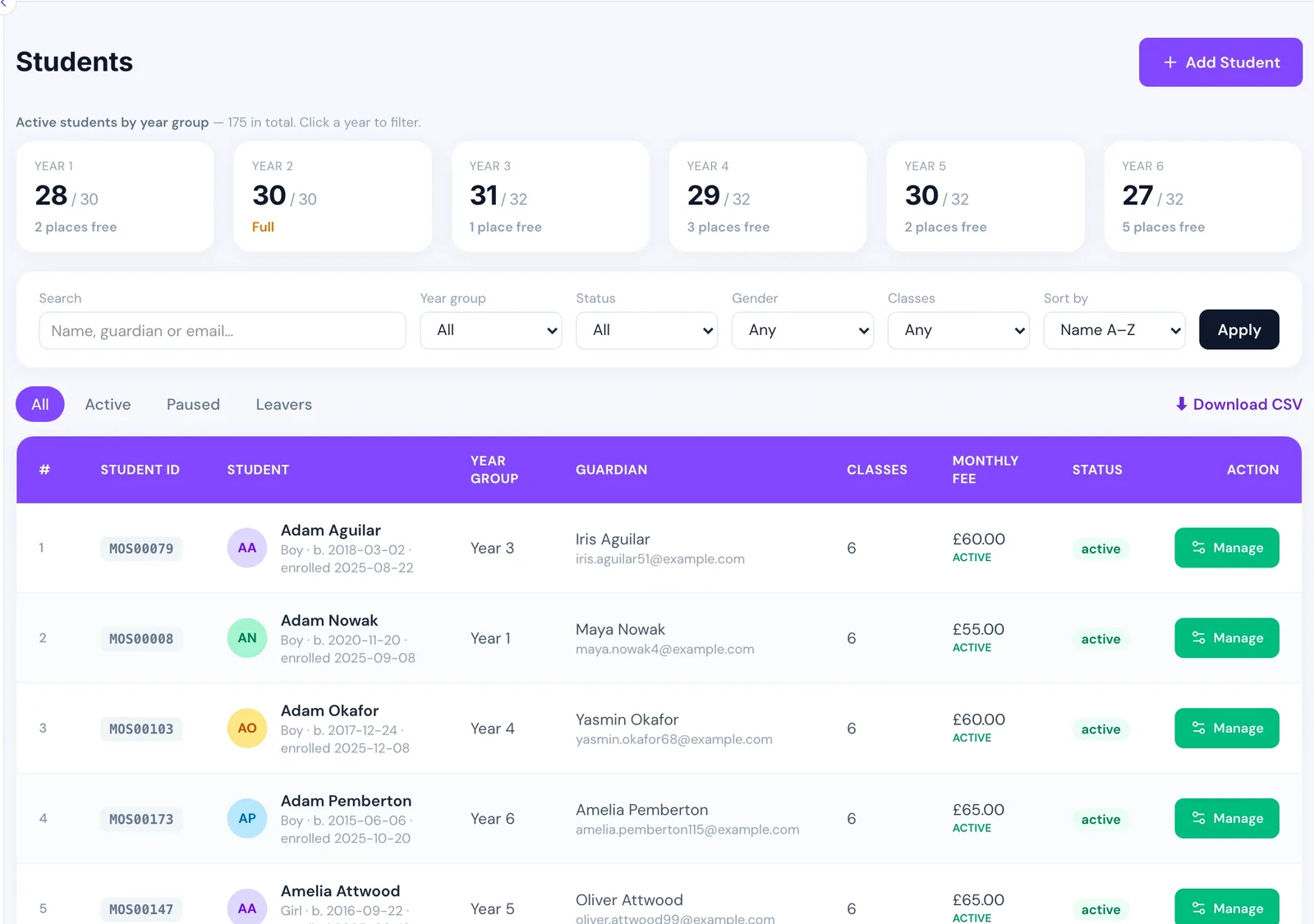
1. The pupil record. Everything else references it, so it goes first and it goes alone. One row per pupil: name, date of birth, year group, status, parent contact. Nothing else.
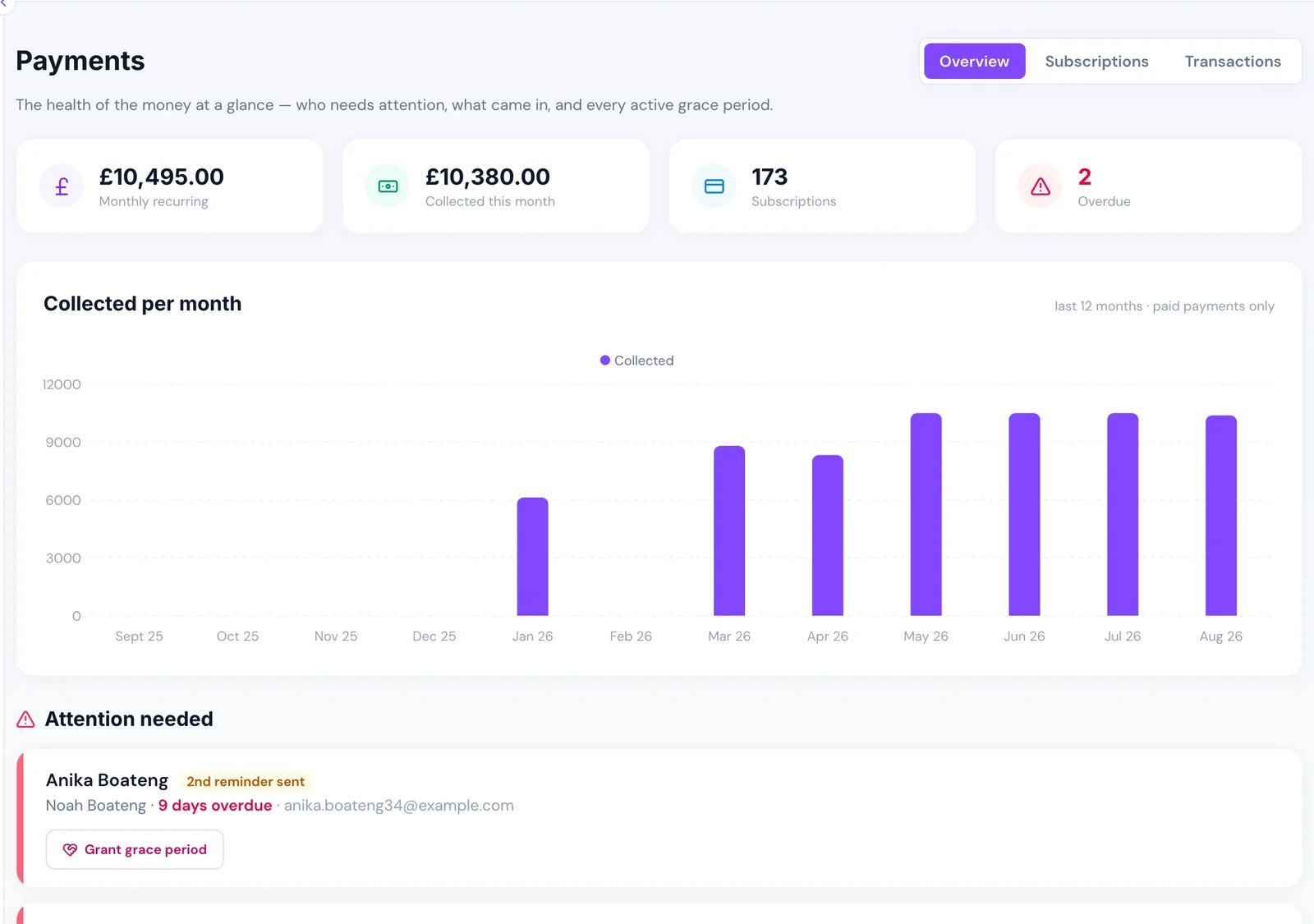
2. Fees. The highest-value and usually the most painful spreadsheet. Once every pupil has a paid-up-to date that is current, most of the fee problem disappears without changing anything else — see how online schools collect tuition fees.
3. Timetable and classes. Needed before attendance can mean anything, because a register with no lesson to attach to is just a list of names.
4. Attendance. Once the timetable exists, this should stop being typed at all.
5. Marks and reports. Last, and deliberately at a term boundary.
Clean the data before you import it, not after
This is the advice everyone ignores and then wishes they had not.
Spreadsheets tolerate ambiguity that a system will not. Three different spellings of the same year group. A date of birth in two formats. Two rows for a child whose surname changed. A parent email that is actually two emails in one cell.
All of that is invisible in a spreadsheet and immediately visible in a system, usually as an import that half-fails. Cleaning it in the spreadsheet, where you can sort and filter freely, takes a fraction of the time it takes afterwards.
The specific ones worth checking before any import:
- one consistent date format, everywhere
- year groups from a fixed list, not free text
- one email per cell
- duplicates resolved, including siblings entered twice
- pupils who have actually left marked as left rather than deleted
Run parallel for exactly one cycle
Keep the spreadsheet updated alongside the new system for one billing cycle or one half term. Not longer — parallel running is double work and if it goes on, people quietly pick a favourite and the other one rots.
At the end of the cycle, compare the two on the one question that matters: do they agree about who owes what? If they do, stop updating the spreadsheet that day. If they do not, find out why before you switch, because that discrepancy is the one that will surface in front of a parent.
What not to migrate
Historical data you will never look at. Five years of attendance from a school of forty pupils is not an asset. Keep the export; do not spend a fortnight importing it.
Your existing workarounds. The colour-coded column that means "chased twice" exists because the spreadsheet had no concept of a reminder. Do not recreate it — the new system should have the concept.
Anything you cannot explain. Every spreadsheet has a column nobody remembers adding. Migration is the moment to find out whether it matters, and it usually does not.
The thing to keep
Whatever you move to, keep an export. A school's data belongs to the school, and a system you cannot get your pupils, fees and attendance out of is a system you cannot leave. Ask about that before you sign, not when you want to go — it is also one of the questions worth asking any vendor.